PhotoPro

What the plugin does

WooCommerce Photopro is an all-in-one solution for photographers who want to sell sessions, manage bookings, and deliver photos through a smooth WooCommerce flow.

How you benefit from it

  • Sell sessions with online booking (Calendly-like experience inside your store)

  • Take payments via WooCommerce checkout (booking becomes an order automatically)

  • Auto-confirm booking after payment (based on order status like processing/completed)

  • Hold time slots for X minutes while customers complete payment (real scarcity that closes sales)

  • Let customers manage bookings (reschedule/cancel via secure token link, with rules/limits)

  • Create bookings manually for customers who contact you by phone/DM/in person

  • Create password-protected event pages with custom content and galleries

  • Sell photos and packs from events (customers select, purchase, and checkout)

  • Protect previews with watermarking to discourage saving before purchase

  • Deliver downloads cleanly via the customer’s WooCommerce account (“My Account”)

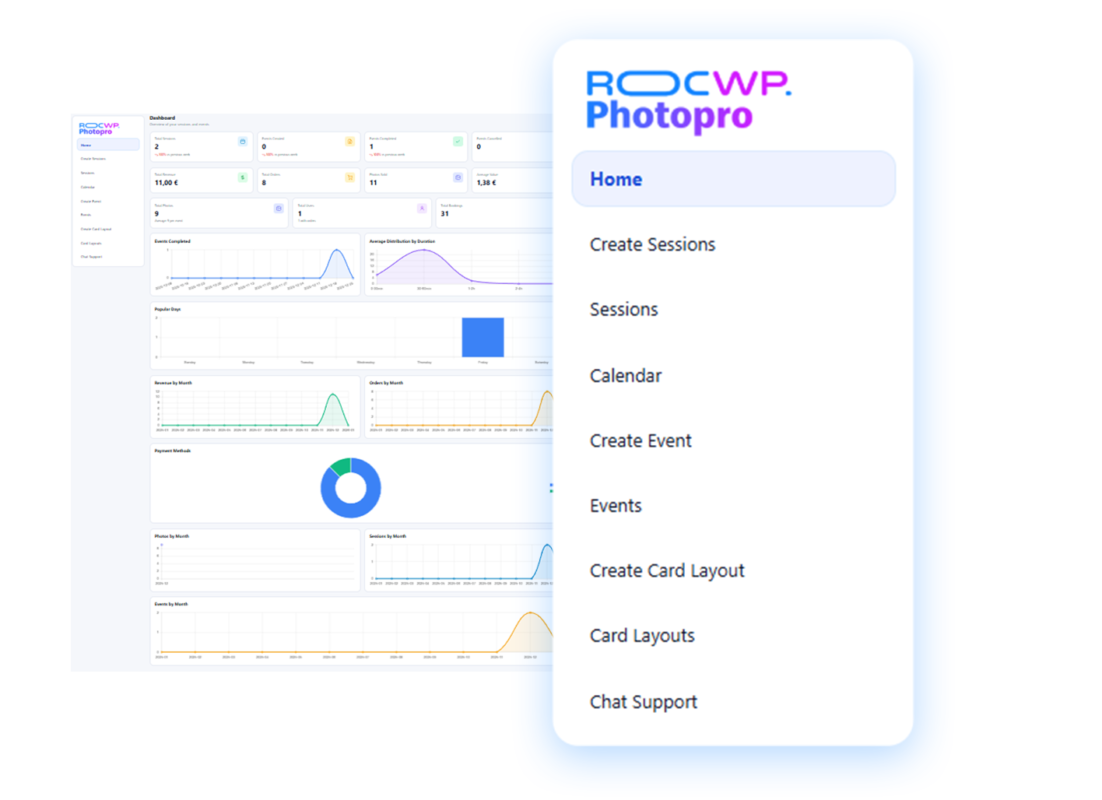
  • Track everything with a dashboard (bookings, sessions, events, purchases, performance)

This plugin is used by 3.247 customers, with a rating of 4.5/5 and a 97% customer satisfaction in support!
Buy 1 year, and saves $60!
$12.00

100% Money Back Guarantee

Buy confidently with our buyer protection and get a full refund for any reason. Read our refund policy

A booking experience that converts (and prevents double-bookings)

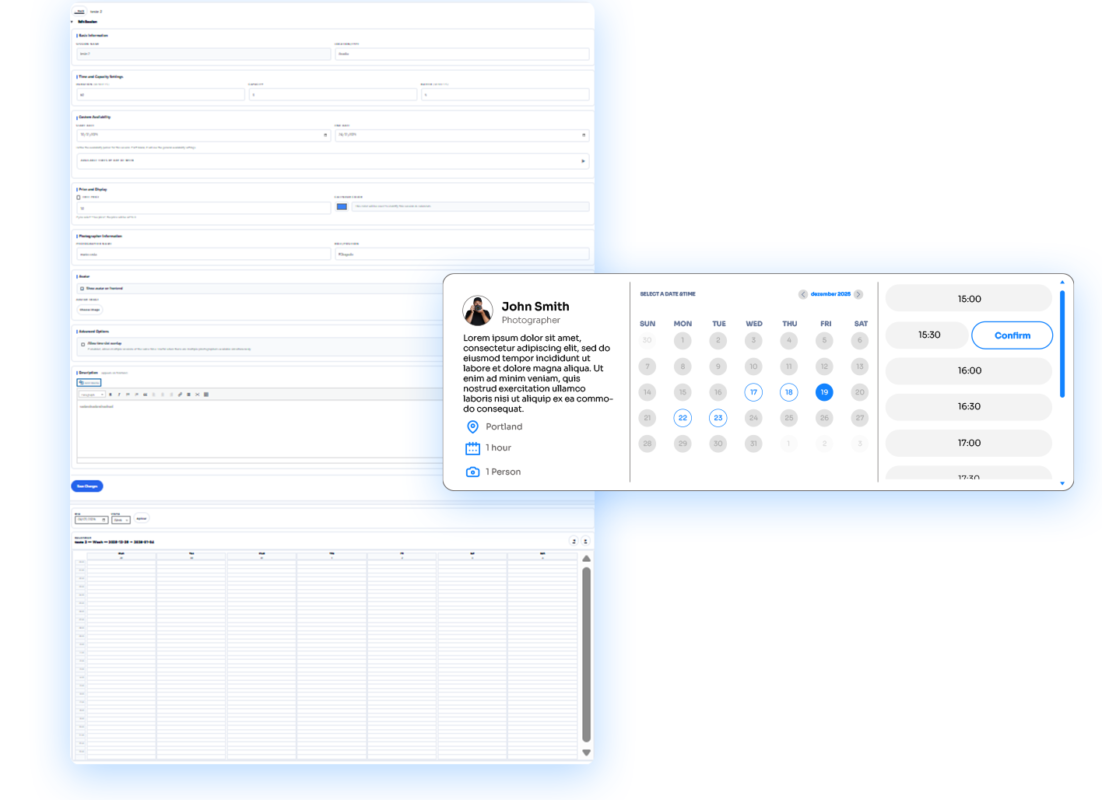
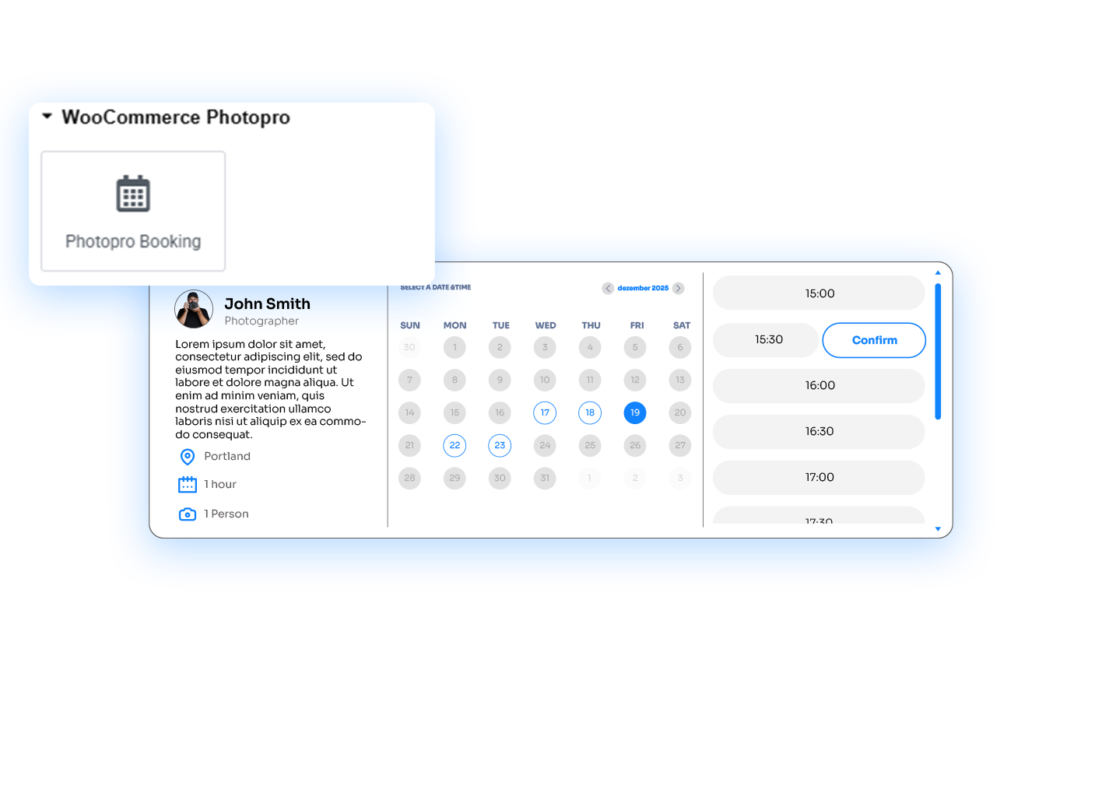
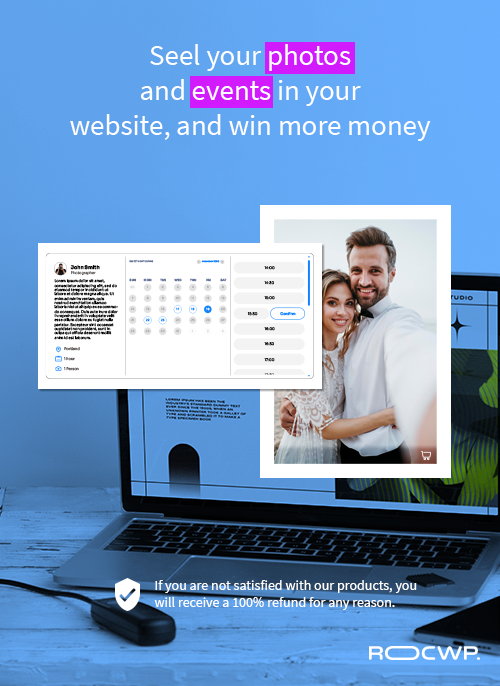
Your customers can select a date and time and go straight to checkout — like a modern booking tool, but inside your own store.

  • Customers choose a slot → a pending booking is created → a WooCommerce product is added to cart → customer is sent to checkout

  • Once the order becomes processing/completed, the booking is automatically confirmed

  • Time slots can be held for X minutes during checkout to create real urgency and avoid conflicts

  • Pending bookings can be automatically expired after the hold time (clean calendar, no ghost slots)

Choose WHERE to show the booking flow

You decide how and where your booking experience appears:

  • Use the shortcode [wcphotopro_booking] on any page

  • Or insert it visually with the Elementor “Photopro Booking” widget

  • Set titles, theme (light/dark), and what steps to show (date/time/form) per placement

Create Sessions (services) with real availability rules

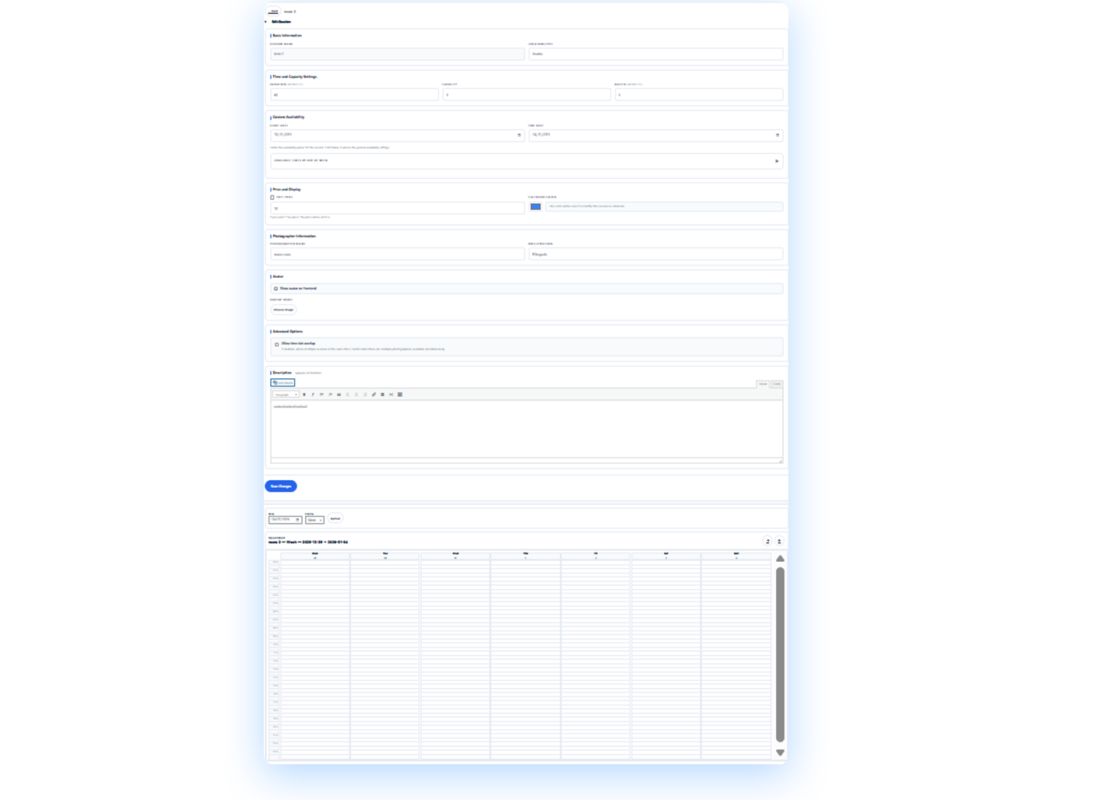
Instead of hacking one “generic appointment,” you can define structured services (“Sessions”) and control how they behave.

  • Create different Session types (e.g., “Mini Session”, “Family Shoot”, “Studio Portrait”)

  • Link each Session to a WooCommerce product (so price/payment is handled properly)

  • Use calendar bounds and availability rules to control what dates can be booked

Event pages with password protection + QR access (built for real clients)

For events (weddings, school shoots, corporate events), Photopro creates a protected experience that feels premium:

  • Create Events with details like date/time, location, description, color, team members, avatar

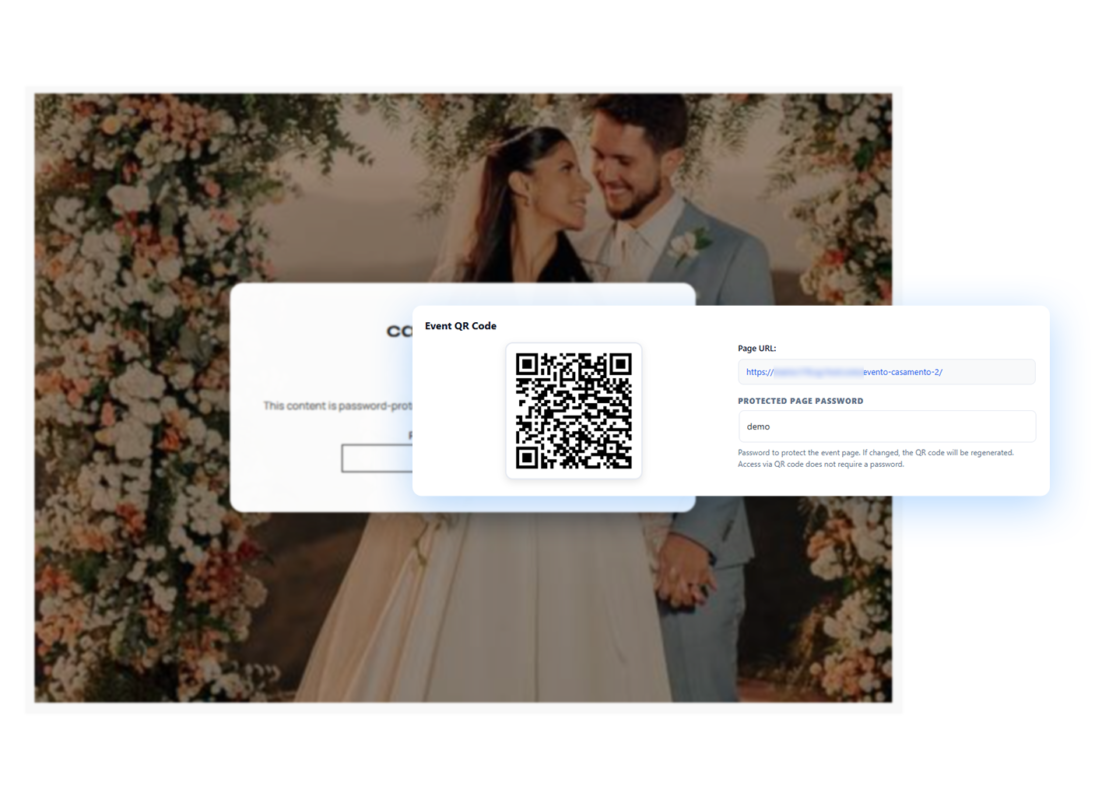
  • Connect an Event to a password-protected page

  • Add custom background images (mobile/tablet/desktop) and unlocked content

  • Provide fast access via QR code token (bypass password when the token is valid)

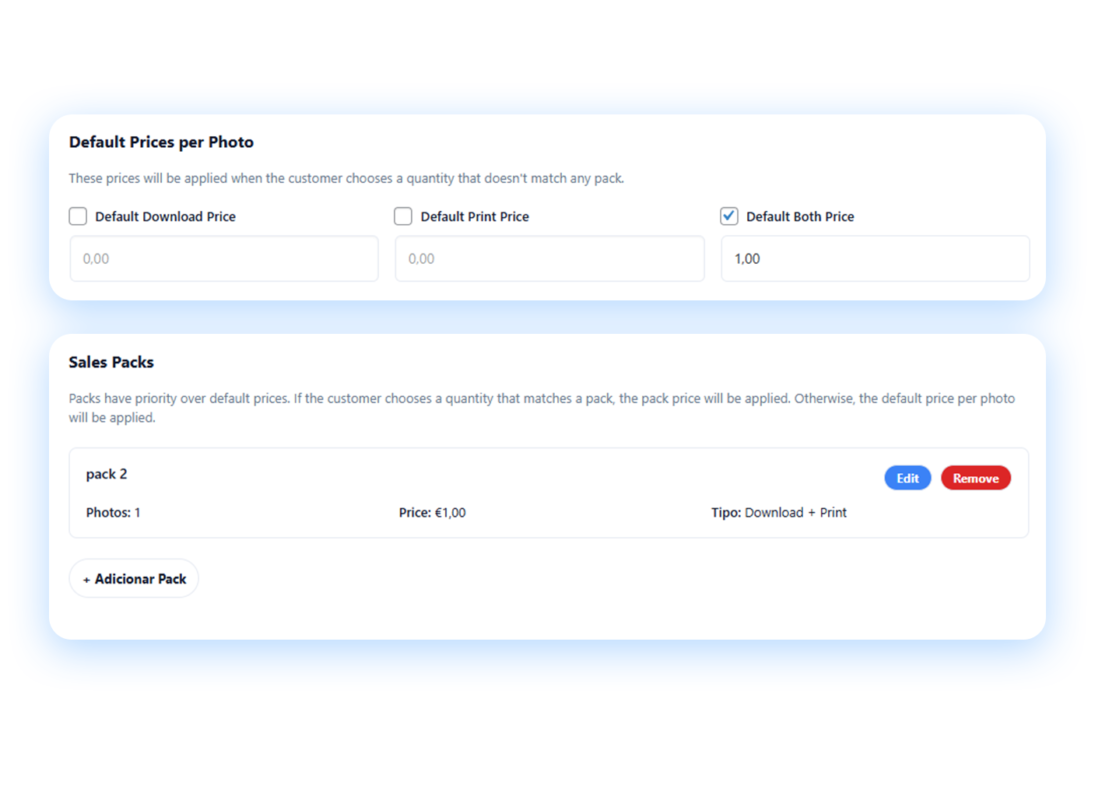
Sell photos and packs (digital, print, or both)

Once an Event is unlocked, clients can browse and buy:

  • Upload event photos and display them in the Event gallery

  • Sell:

    • Single photo downloads

    • Prints

    • Download + print

    • Packs (e.g., “10 Photos Pack”, “Full Gallery Pack”) with fixed pricing

  • Control available print sizes

  • Apply pack pricing directly to cart items (no confusing fees)

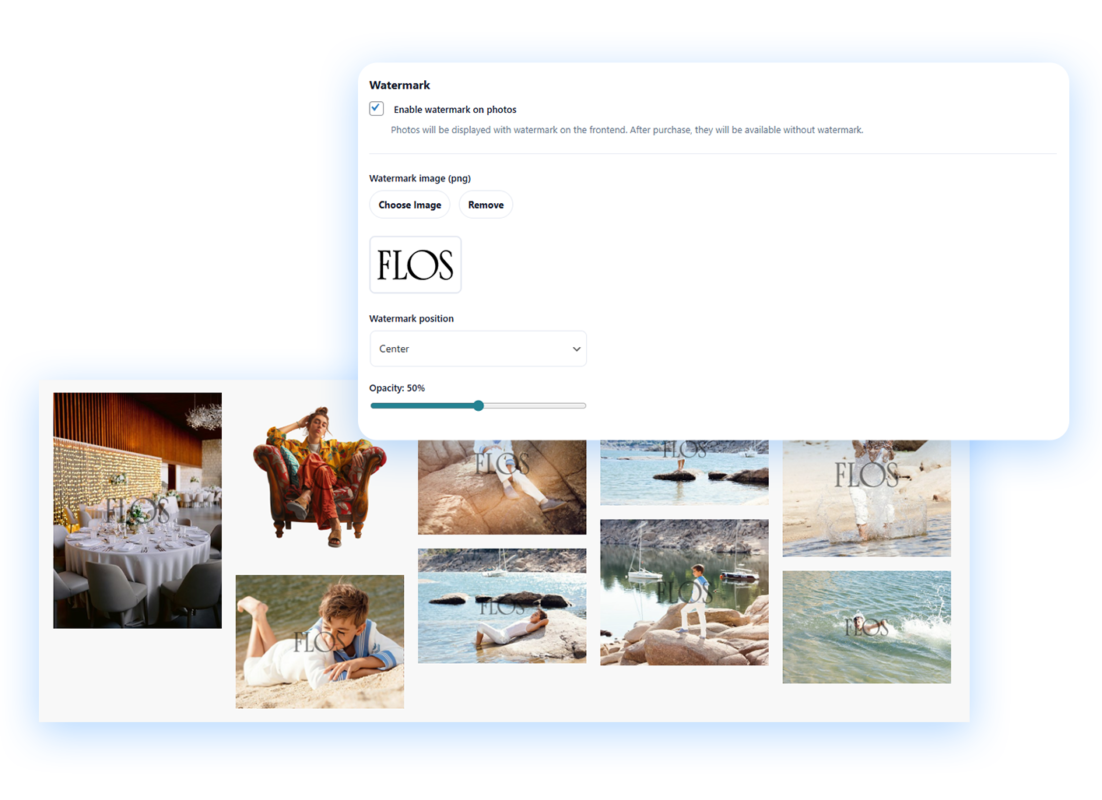
Protect your work with watermark previews

You can discourage saving before purchase with watermarked previews:

  • Watermark enabled per event

  • Watermark type supported (image-based watermark)

  • Control watermark position and opacity

  • Watermarked images are served via AJAX so the gallery stays smooth

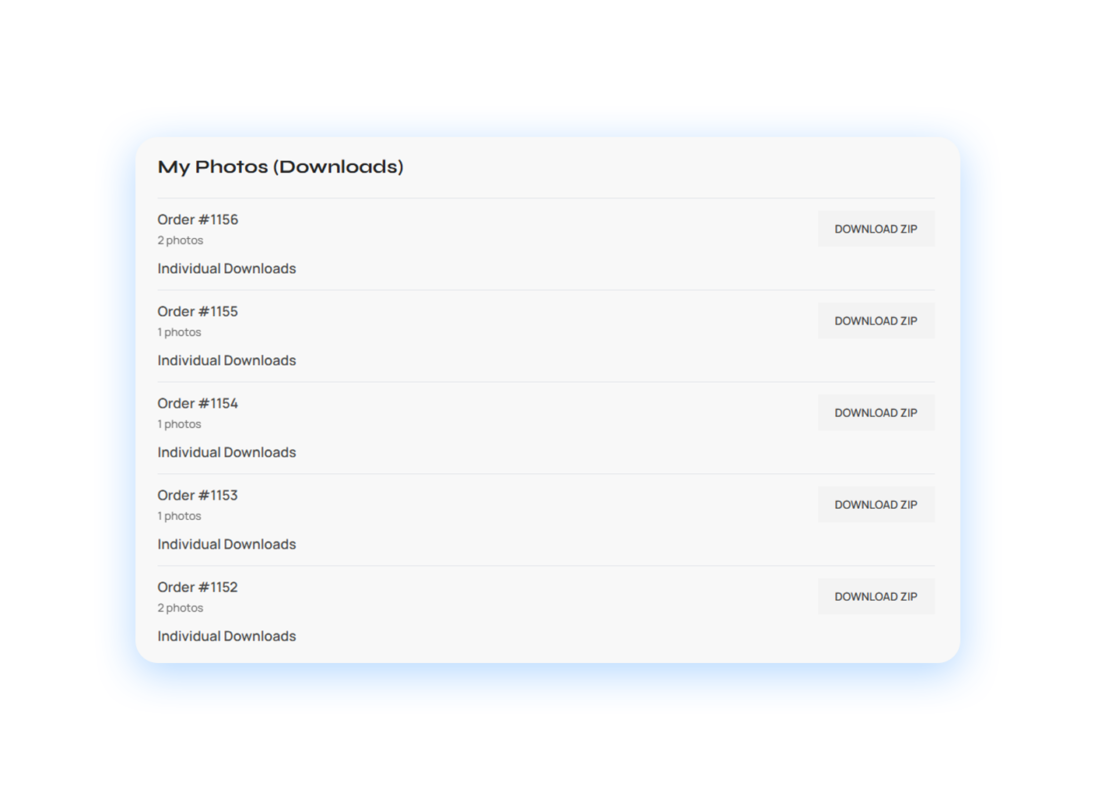
Deliver cleanly inside “My Account”

After purchase, customers can access their content in WooCommerce:

  • Adds a “My Photos” section in the customer’s account area

  • Customers can download purchased photos cleanly from there

  • Admin tools exist to download order photos as well

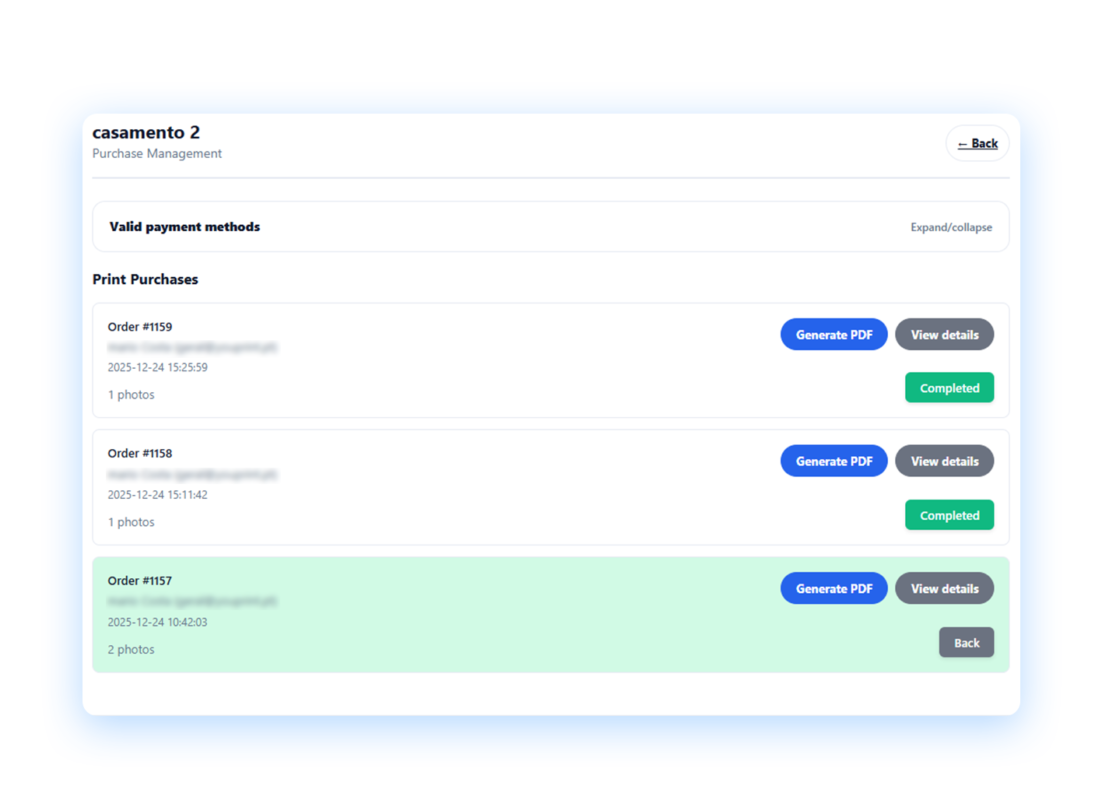
Print workflow tools (PDF generation for labs / fulfillment)

For print orders, Photopro can generate print-ready PDFs from purchased photos:

  • Generate PDFs per order/event

  • Built to work with reliable PDF generation libraries (TCPDF fallback logic included)

  • Helps speed up print fulfillment and reduce mistakes

Manage everything from a dedicated Admin Center

Photopro includes a custom admin hub (not scattered WP screens):

  • Dashboard overview

  • Sessions management

  • Calendar view

  • Events management (including photo upload/removal)

  • Print purchase tools + order marking controls

  • Manual booking creation for offline customers (phone/in-person)

Reviews

There are no reviews yet.

Be the first to review “PhotoPro”

Your email address will not be published. Required fields are marked *